Its Time Christmas AI Trend: Your Face Takes the Midnight Switch

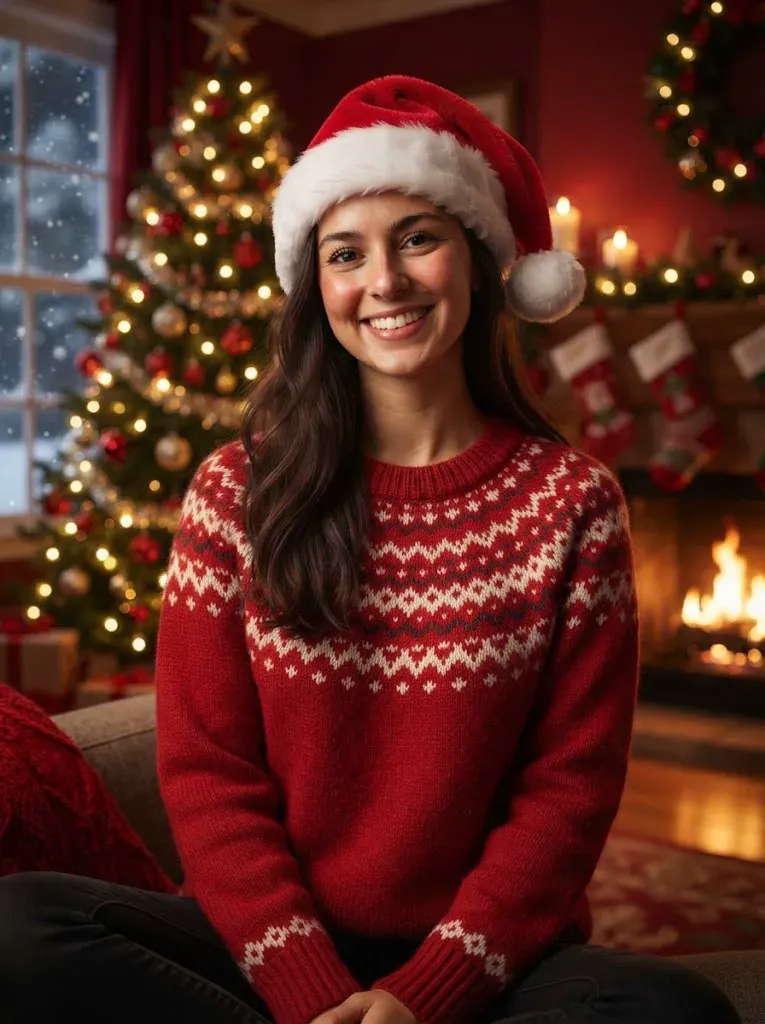
Make the its time christmas ai trend with one photo: become the punk Halloween reveal, then take the red Santa look above a giant Christmas tree.

1បន្ថែមរូបថតរបស់អ្នក

2គុណភាព និងរយៈពេល480p · 15s · 9:16120 credits

គ្មានការជាវប្រចាំ · រួចរាល់ក្នុងរយៈពេលប្រហែល 3 នាទី · មិនគិតថ្លៃប្រសិនបើបរាជ័យ

Upload a photo of yourself or an adult who has given permission. Do not upload someone else’s image without their consent.

From the Feed

The Reference Clip’s Midnight Switch

The reference is the official 2026 clip on Mariah Carey’s YouTube channel, cropped vertically from 0:28 to 0:43. It shows a red Santa look above a giant Christmas tree, a clock reaching 12:00:00 AM, a punk Halloween look, and frost covering the frame. This page has no case gallery; the generated video follows that reference, with your photo in the main role in the its time christmas ai trend.

Make My Christmas Reveal

Three Steps

How to Make the Its Time Christmas AI Trend Video

  1. 1

    Choose One Clear Photo

    Upload a photo of yourself or an adult who has agreed to take part. Pick an image where the face is visible and facing the camera. The page accepts one photo, and that image supplies the person for both looks in the reference sequence.

  2. 2

    Start the Video

    Press Make My Christmas Reveal to start generation with MiniMax H3. The model uses the reference clip to guide the actions, camera, and timing. There is no scene menu or prompt field, so the video stays with the Halloween-to-Christmas reveal.

  3. 3

    Preview and Share

    Review the finished 15-second 9:16 clip before downloading or sharing it. The sound is instrumental and contains no vocals; you cannot upload a song for the generation. If you want a particular song, add it later using the audio tools in the app where you post. Check that the vertical crop keeps the subject visible, and confirm you have permission to share the person’s image.

Straight Answers

What This Christmas Reveal Includes

This Christmas reveal follows a specific sequence and fixed format. Here is what the one-photo setup does, and where its limits are clear.

What You Get

  • Your photo replaces the reference clip’s main person across the punk Halloween and red Santa looks.
  • The camera position, movement, actions, and pacing follow the reference, including the clock and frost transition.
  • The output is a 15-second vertical 9:16 video with instrumental audio and no vocals.
  • The tool uses one photo and the prepared reference, so you do not need to write a prompt or select a scene.

Known Limits

  • The video has no vocals, and you cannot upload your own song as its soundtrack.
  • The clip is fixed at 15 seconds and follows the reference sequence; you cannot choose a different duration or action.
  • You cannot type in a custom scene or change the camera direction, timing, or sequence.
  • The result depends on one photo. Use a clear image with the person’s face visible for the model to follow.
Make My Christmas Reveal

The Trend Explained

What Is the Its Time Christmas AI Trend?

The its time christmas ai trend turns the familiar midnight Christmas reveal into a personalized 15-second video. In the reference clip, a clock reaches 12:00:00 AM, the punk Halloween look gives way to frost, and a red Santa look appears above a giant Christmas tree. MiniMax H3 uses one photo of you and the clip as a reference, placing you in the main role while following its actions, camera, and timing. The result has instrumental audio but no vocals. You cannot choose a new setting or upload your own song, because the reference determines the sequence.

The Clock Starts the Switch

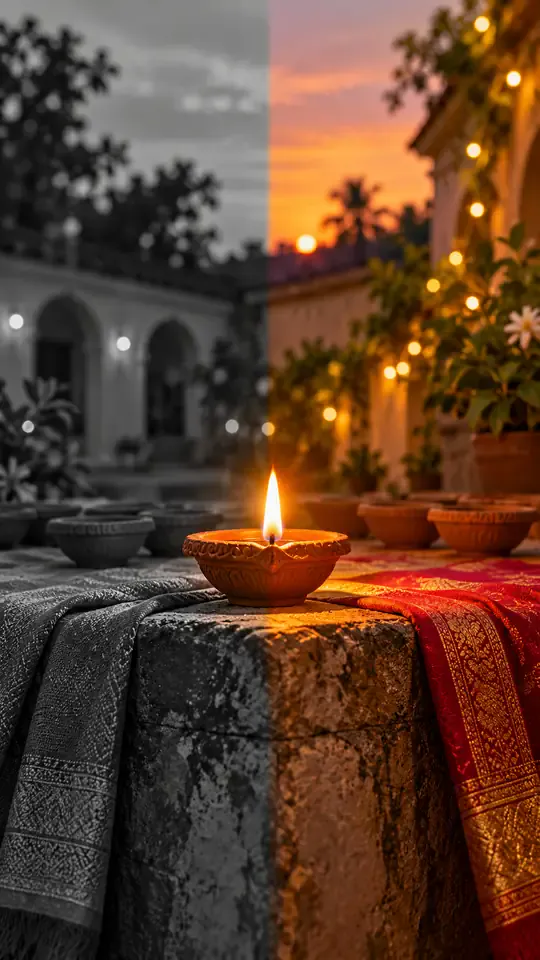
The reference clip includes a clock reaching 12:00:00 AM, a punk Halloween look, frost, and a red Santa look above a giant Christmas tree. Your video follows the same sequence, so the change in styling is the central joke in the its time christmas ai trend. The template uses the reference clip’s timing instead of asking you to set the transition yourself. The Halloween to Santa transformation includes the clock, frost, and tree reveal.

One Person, Two Looks

The source shows the main person in a punk Halloween look and a red Santa look. Your single photo supplies the person who takes that role in both parts. Use a clear, front-facing portrait so the face is visible; the page does not offer a second-photo slot or a choice of outfits. This one photo Christmas AI video follows the prepared reference, so choose an image that clearly shows the person you want in both looks.

A Fixed Vertical Video

The output is 15 seconds in a 9:16 vertical format, with instrumental sound and no spoken or sung vocals. The reference determines the action, camera framing, and pacing. You can share the result as a short vertical clip, but you cannot turn this template into a different scene or add a custom track during generation.

More to try with your photo

Its Time Christmas AI Trend FAQ

Answers about the photo, reference sequence, soundtrack, format, and sharing.

Make My Christmas Reveal
What AI tool can turn my photo into the Its Time Christmas AI trend?

This page makes the Christmas midnight reveal from one photo using MiniMax H3 and the supplied reference clip. Upload a clear image of yourself, then start generation; the video follows the reference’s actions, camera, and timing through the Halloween-to-Christmas reveal. The Mariah Carey Christmas reveal reference supplies the sequence, while your photo supplies the person shown in the generated clip.

How do I make the Its Time Christmas video from a selfie?

Upload one clear photo with your face visible, then press Make My Christmas Reveal. MiniMax H3 uses the reference clip to place you in the main role and follow its sequence. The finished video is 15 seconds, vertical 9:16, and includes instrumental sound without vocals. The one photo Christmas AI video follows the prepared framing and timing, so select a portrait that shows the person clearly.

What happens in the Christmas midnight reveal video?

The reference clip includes a red Santa look above a giant Christmas tree, a clock reaching 12:00:00 AM, a punk Halloween look, and frost across the frame. Your photo takes the main person’s place as the video follows the reference’s actions and pacing.

What kind of photo should I upload for this Christmas AI video?

Use one clear photo of yourself or an adult who has agreed to take part, with the face visible and facing the camera. The page has one photo slot, so choose an image that gives the model a clear view of the person who will appear in both looks.

Can I choose a different scene or change the actions?

No. This template follows the reference clip’s scene, actions, camera, and timing, including the midnight switch and frost transition. You cannot type a custom setting or choose a different sequence on this page.

Does the generated video include the original vocals?

No. The generated clip has instrumental audio and no vocals. You cannot upload your own song during generation, but you can add audio later with the tools on the platform where you share the video.

How long and what shape is the generated video?

Each generated clip is 15 seconds in a vertical 9:16 format. The fixed length and framing follow the prepared reference, so this page does not offer a duration or aspect-ratio selector.

Can I use a photo of another person?

Only use a photo of yourself or an adult who has given permission. The person in the image becomes the main subject of a generated video, so get their consent before uploading their photo or sharing the result.

Will my video appear publicly on Explore?

Videos made without a subscription may appear in Ricebowl AI’s public Explore feed. Avoid uploading a photo you would not want others to see, and make sure the person shown has agreed to the upload and use of their image.

How can I make and share the Its Time Christmas AI trend responsibly?

Use a photo you have permission to use, review the generated video before sharing, and follow the disclosure rules of the platform where you post it. Read the [AI trend guide](/hub/how-to-do-the-ai-trend) for general guidance on making and sharing AI trend videos.

Explore More

More AI Video Resources

Take the Midnight Turn in Your

Christmas Reveal Video

Make the its time christmas ai trend with one photo and the reference sequence: a 15-second vertical switch from punk Halloween to Santa above the giant tree.

Make My Christmas Reveal

One photo • 15 seconds • Vertical 9:16

Take the Midnight Turn in Your

Make My Christmas Reveal