AI Hair Growth Video Generator: The Hair Dome Steals the Room

Upload one photo to this ai hair growth video generator and watch a calm portrait meet a giant hair dome or a mirror-side confidence reveal in a 15-second vertical clip.

1បន្ថែមរូបថតរបស់អ្នក

Choose Your Hair Scene

2គុណភាព និងរយៈពេល768p · 15s · 9:1660 credits

គ្មានការជាវប្រចាំ · រួចរាល់ក្នុងរយៈពេលប្រហែល 3 នាទី · មិនគិតថ្លៃប្រសិនបើបរាជ័យ

Only upload a photo of yourself or an adult who has agreed to appear in the video.

From the Feed

Two Hair Scenes, Two Different Punchlines

The Giant Hair Dome turns the hair into the visual punchline, while Confidence Glow Up places the person before a softly lit mirror looking at a short hairstyle. Both scenes start with one uploaded photo and produce a 15-second vertical video. Pick the dome for an exaggerated reveal, or the mirror scene for a quieter change in mood. These are selectable scenes, not a free-form prompt box.

Make My Hair Video

Three Steps

How to Make an AI Hair Growth Video

  1. 1

    Choose a Hair Scene

    Select Giant Hair Dome for the bright-room portrait and oversized hair reveal, or Confidence Glow Up for the softly lit mirror and thoughtful look. The first chip is selected by default, and the available scenes are fixed.

  2. 2

    Upload One Portrait

    Add one clear photo of yourself or a consenting adult. Keep the face visible and the head inside the frame so the chosen scene has a recognizable portrait to work from. This page does not take a second photo.

  3. 3

    Generate and Review the Clip

    Start the generation to create a 15-second vertical video with environmental sound and instrumental music. The clip contains no human voice, and you cannot add your own song. Review the result as a stylized effect rather than a real hair-growth forecast.

Straight Answers

What This Hair Growth Video Can and Cannot Show

The idea is a quick visual gag built from one portrait. Here is what the format includes, and what its fixed setup means for your result.

What You Get

  • One photo places the person you choose at the center of a 15-second hair transformation clip.
  • Giant Hair Dome gives the reveal an oversized visual payoff; Confidence Glow Up uses a softly lit mirror and a thoughtful expression.
  • The output is vertical 9:16, so the framing is suited to portrait-oriented viewing.
  • Environmental sound and instrumental music arrive with the clip, so it has an audio bed without a spoken track.

Known Limits

  • This ai hair growth video generator makes a stylized scene, not evidence of real hair regrowth or a medical outcome.
  • Each clip uses one photo, so you cannot combine people or provide a before-and-after pair.
  • You must choose one of the two scene chips; you cannot type a custom scene or upload your own song.
  • The clip is 15 seconds and has no human voice, so it cannot deliver spoken narration or a sung performance.
Make My Hair Video

The Trend Explained

What Is the AI Hair Growth Video Generator Effect?

The ai hair growth video generator effect turns a single portrait into a short visual transformation. On this page, the joke can go in two directions: a calm portrait becomes a giant hair dome, or the person stands before a softly lit mirror and considers a short hairstyle. The result is a 15-second, 9:16 video made with MiniMax H3. It includes environmental sound and instrumental music, but no human voice. You choose a scene chip rather than writing a prompt, and you cannot supply a song. Treat the result as a playful edit, not a prediction of hair growth or a realistic treatment preview.

Giant Hair Dome Makes the Reveal Obvious

Giant Hair Dome begins with the person appearing bald in a simple, bright room, centered in a chest-up portrait with a calm expression. The oversized hair shape is the intended visual joke, though the generated result may vary. A photo with the full head visible gives the scene room to read.
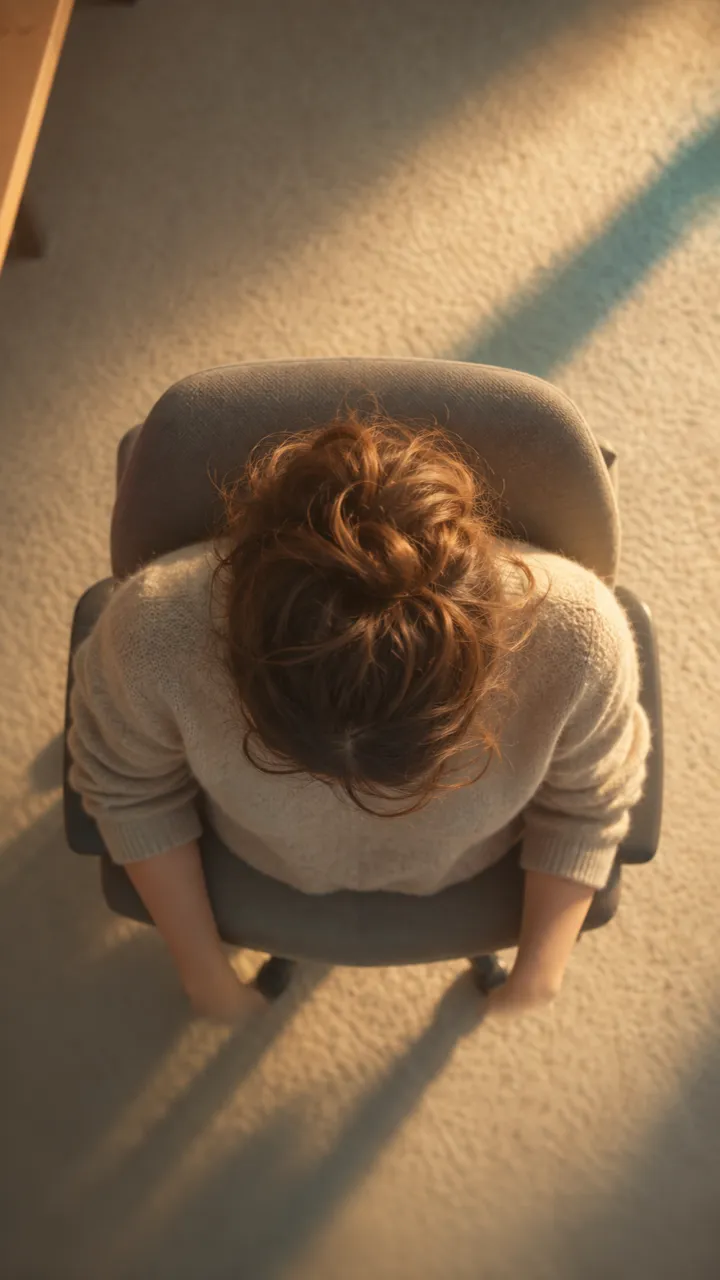
Confidence Glow Up Keeps the Mirror in View

Confidence Glow Up places the person before a softly lit mirror, looking at a short hairstyle with a thoughtful expression. The scene is a quieter portrait transformation than the giant dome. Choose it when the mirror-side moment fits the person better than an oversized hair gag.

One Photo Sets the Person in the Scene

The generator takes one photo of a person and uses the selected chip to build the scene. You cannot add a second reference image or enter a custom scene description. A clear portrait with the face visible gives the video a straightforward starting point; only use your own photo or one from an adult who agreed.

More to try with your photo

AI Hair Growth Video Generator FAQ

Straight answers about the two scenes, the one-photo workflow, the clip format, sound, and sharing.

Make My Hair Video
What does this ai hair growth video generator make?

It makes a 15-second, 9:16 video from one photo, using either Giant Hair Dome or Confidence Glow Up. The result is a stylized hair transformation scene with environmental sound and instrumental music, without a human voice. It does not show or predict real hair regrowth.

How do I make a hair growth transformation from one photo?

Choose one of the two scene chips, upload a clear photo of yourself or a consenting adult, and start generation. This ai hair growth video generator turns that single portrait into a 15-second vertical clip with environmental sound and instrumental music. You cannot add a second image or write a custom scene prompt.

Which hair scene should I choose?

Choose Giant Hair Dome for the exaggerated bright-room reveal, where an oversized hair shape becomes the visual joke. Choose Confidence Glow Up for the softly lit mirror scene, where the person looks thoughtfully at a short hairstyle. The two fixed chips define the available scenes, so select the one that best suits the portrait and the tone you want.

Can this show realistic hair regrowth over time?

No. This is a stylized transformation effect, not a realistic hair-growth timelapse or a medical result. The two scenes are built around a dome reveal or a mirror-side moment, and the clip does not track a real change in hair over time.

How many photos do I need for a hair transformation clip?

You need one photo for each clip. This page does not accept a second reference photo or a before-and-after pair, so choose a clear portrait where the face and full head are visible. Only use your own photo or one from an adult who has agreed to appear in the video. A full head in frame gives the selected scene a clear starting image.

Can I choose a different hairstyle or write my own scene?

You can choose between Giant Hair Dome and Confidence Glow Up. This page does not offer a custom prompt field, extra hairstyle controls, or additional scene chips, so the output follows the selected scene rather than a description you type.

Does the video include a song or spoken voice?

The clip includes environmental sound and instrumental music, but no human voice. You cannot upload your own song through this tool. If you want a different track for a post, add it using the destination platform’s own audio tools.

What format does the ai hair growth video generator use?

Each result is a 15-second vertical video in a 9:16 aspect ratio, created from one photo and the selected chip. The fixed duration and portrait framing make the output a short transformation clip.

Can I use a friend’s photo for the hair dome effect?

Use a friend’s photo only if that adult has agreed to appear in the video. A clear portrait with the face and full head visible gives the selected scene a clear starting image, while an obstructing crop can make the portrait harder to use. Do not upload an image of someone who has not given permission, and consider whether the person would be comfortable with the finished clip being shared.

Will my video appear publicly?

Videos made without a subscription can appear in the public Explore feed on Ricebowl AI. Do not upload a photo you would not want others to see, and use only your own photo or one from an adult who has agreed to appear.

How much does one hair growth video cost?

One hair growth video costs 60 credits. The pricing page lists available plans and credit packs, and the tool generates a 15-second vertical clip from one photo.

How do I make this AI trend video?

Pick a scene, upload one permitted photo, and generate the clip. For broader guidance on choosing a format and preparing a post, read the guide to making an AI trend video.

Explore More

More Photo-Based AI Effects

Give One Portrait a

Giant Hair Dome Reveal

Choose a scene, add one permitted photo, and use this ai hair growth video generator to make a 15-second vertical hair transformation with instrumental sound.

Make My Hair Video

One photo • 15 seconds • 9:16 vertical

Give One Portrait a

Make My Hair Video