Santa Naughty List Video: An Elf’s Note, Bedtime Books, and the Toy Tidy Reminder

Make a santa naughty list video from one photo: choose a scene, upload a person’s picture and get a 15-second 16:9 clip with ambient sound and instrumental music, without spoken dialogue.

1Añade tu foto

Choose a Santa Scene

2Calidad y duración768p · 15s · 16:960 credits

Sin suscripción · Listo en unos 3 minutos · No se cobra si falla

Upload a photo of yourself or an adult who has agreed to be included. Do not upload a child’s photo.

From the Feed

Five Santa Scenes to Choose From

Each scene starts from one uploaded photo and changes the setting around the person. Elf Note uses a winter mantel and folded paper; Toy Tidy shows scattered toys; Bedtime Book places a closed leather-bound book in a lit hallway; and Quill Reminder sets a blank ledger and quill beside a fireplace. The first chip, Fireplace List, is selected by default. Choose the scene that fits your joke before generating.

Make My Santa Video

Three Steps

How to Make a Santa Naughty List Video

  1. 1

    Choose a Scene

    Start with Fireplace List, which is selected by default, or choose Elf Note, Toy Tidy, Bedtime Book or Quill Reminder. Each chip sets a different holiday backdrop and prop arrangement.

  2. 2

    Upload One Adult Photo

    Add one clear photo of yourself or an adult who has agreed to appear. This page uses one image per clip and does not support your own song, multiple people or a custom written scene.

  3. 3

    Generate and Review the Clip

    Press Make My Santa Video to create a 15-second 16:9 result with environmental sound and instrumental music. Review it before sharing, and describe it as an AI-made holiday joke so viewers understand what they are watching.

Scene 01 · Elf Note

A Note From Santa’s Elf

A folded note beside the winter mantel.

The Elf Note scene places the person beside a mantel decorated with small winter figurines, holding a folded blank note. For a Christmas photo video, this scene gives the Santa checks the list idea a quiet setup: the note suggests an elf has brought Santa a reminder, while the blank paper avoids adding text the tool cannot promise to render clearly. Choose this chip when you want a simple holiday tableau.

  • Small winter figurines on the mantel
  • A folded blank note in hand
  • Choose Elf Note for this setup

Scene 02 · Toy Tidy

The Toy Tidy Reminder

Scattered toys set up the seasonal joke.

The Toy Tidy scene shows the person leaning toward a cozy living room camera, with scattered toys visible behind them. For a Christmas photo video, the visual gag comes from the untidy room, not spoken scolding: this clip contains no human voice. Pick this option for a playful home setting, and keep the joke kind when you share the Santa checks the list clip with family or friends.

  • A cozy living room camera angle
  • Scattered toys in the background
  • Choose Toy Tidy for this setup

Scene 03 · Bedtime Book

The Bedtime Book Scene

A closed book in a warmly lit hallway.

The Bedtime Book scene places the person in a warmly lit hallway holding a large, closed leather-bound book with a blank cover. The book signals a Santa list without relying on generated writing or a visible name, giving this Santa photo animation a quiet naughty list reveal. This scene suits a calm bedtime-themed post; the finished 15-second clip uses instrumental music and environmental ambience, with no spoken line or voiceover.

  • Warm hallway lighting
  • A large closed book with a blank cover
  • Choose Bedtime Book for this setup

Scene 04 · Quill Reminder

The Quill and Blank Ledger

A desk-side list scene by the fire.

The Quill Reminder scene shows the person seated at a wooden desk near a glowing fireplace, with a blank open ledger and quill on the desk. The blank ledger and quill give this scene a list-making feel without promising names or legible writing. Choose this chip for a seated composition and a simple naughty list reveal.

  • Wooden desk beside a glowing fireplace
  • Blank open ledger and quill
  • Choose Quill Reminder for this santa naughty list video setup.

Straight Answers

What This Santa List Video Includes

The setup is straightforward: one photo, one scene choice and a short generated clip. Here are the details that shape the result, including the limits to know before you start.

What You Get

  • One uploaded person photo supplies the visual reference for the selected scene.
  • Five scene chips are available: Fireplace List, Elf Note, Toy Tidy, Bedtime Book and Quill Reminder.
  • The result is a 15-second 16:9 video made with MiniMax H3.
  • The clip includes environmental sound and instrumental music, so the holiday setting has audio without a spoken track.

Known Limits

  • The video has no human voice or dialogue; it does not make Santa speak or announce a name.
  • You cannot upload your own song or soundtrack for the clip.
  • You must choose one of the five scene chips; custom scenes are not available here.
  • The tool accepts one photo per video, so it cannot combine several people or reference pictures.
Make My Santa Video

The Trend Explained

What Is a Santa Naughty List Video?

A santa naughty list video is a holiday scene that frames someone as part of Santa’s list-themed joke. This page turns one uploaded photo into a 15-second, 16:9 video using MiniMax H3. You pick one of five fixed scenes, with settings that include a decorated fireplace, a winter mantel, a living room with scattered toys, a hallway with a closed book, and a desk with a blank ledger and quill. The clip includes environmental sound and instrumental music, but no human voice, spoken announcement or uploaded song. It is a visual gag you can share with an adult who agreed to appear; it does not claim to be an official Santa message or a real judgment about anyone.

One Photo Sets the Person

Upload one photo of yourself or an adult who agreed to be included. The generator uses that image as the person reference in the scene you select. It does not accept a second photo, a group portrait or a custom cast, so choose an image that clearly shows the intended adult.

Five Fixed Holiday Scenes

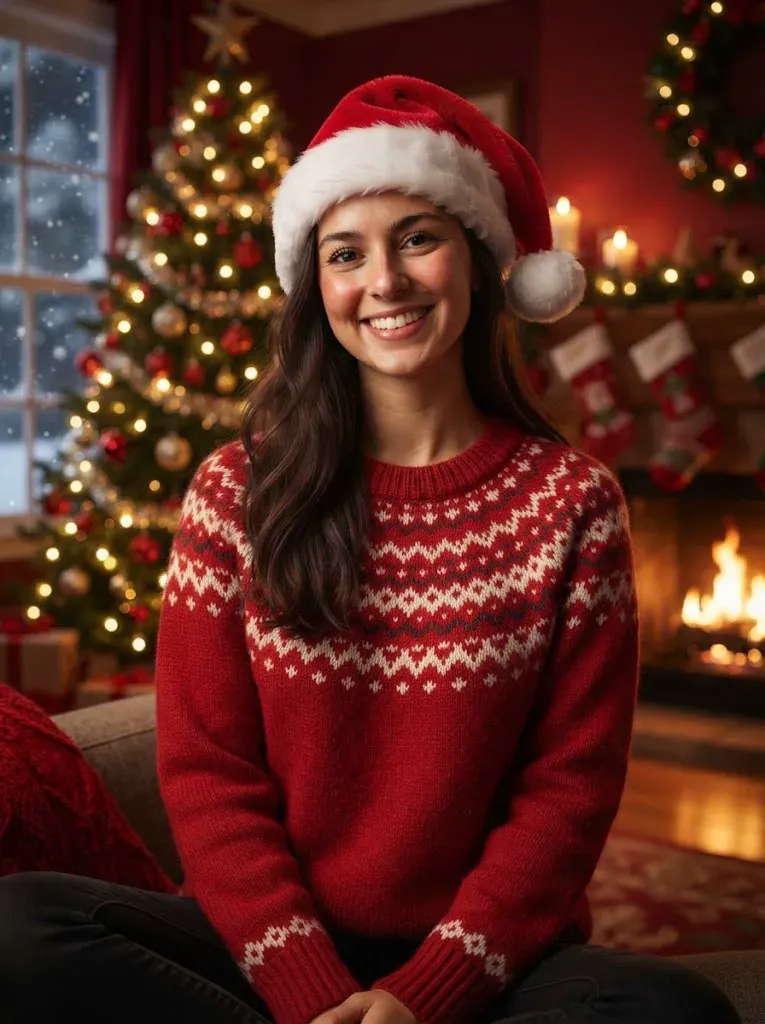
Choose Fireplace List, Elf Note, Toy Tidy, Bedtime Book or Quill Reminder. Fireplace List is the default chip, while the remaining four provide different props and settings. The scenes use a decorated fireplace with a long blank scroll, a winter mantel, scattered toys, a closed book or a blank ledger and quill; you cannot type a custom scene.

Instrumental Sound, No Voice

MiniMax H3 creates a 15-second landscape clip in 16:9 with environmental ambience and instrumental music. There is no human voice or spoken dialogue, and you cannot add your own song during generation. If you want a track for a later social post, use the destination service’s permitted audio tools.

More to try with your photo

Santa Naughty List Video FAQ

Answers about the photo, scene choices, sound, format, cost and sharing.

Make My Santa Video
How do I make a santa naughty list video from one photo?

Choose one of the five scene chips, upload one photo of yourself or an adult who agreed to appear, then generate the clip. MiniMax H3 creates a 15-second 16:9 video with environmental sound and instrumental music. The result has no human voice or dialogue.

Can Santa say my name in the video?

No. This page creates a visual holiday scene and does not generate spoken dialogue or a human voice. The blank scroll, note, book and ledger are props; the tool does not promise readable names or custom text in the image.

What scenes can I choose for a Santa list video?

There are five choices: Fireplace List, Elf Note, Toy Tidy, Bedtime Book and Quill Reminder. Fireplace List is the default. The other four use a winter mantel, scattered toys, a closed book in a hallway, or a blank ledger and quill beside a fireplace.

How long is the santa naughty list video, and what shape is it?

Every generated clip is 15 seconds and uses a 16:9 landscape frame. MiniMax H3 generates the video from one uploaded photo and the scene chip you select. This page does not offer a different duration or aspect ratio.

Does the video have sound or music?

Yes. The clip includes environmental sound and instrumental music, but it has no human voice or spoken dialogue. You cannot upload your own song for generation, so the soundtrack is limited to the audio made with the scene.

Can I use more than one photo or add another person?

No. The tool takes one photo for each clip and does not combine multiple reference images or group members. For a santa naughty list video, use a photo of yourself or an adult who has agreed to be included, and check the result before sharing it.

How much does one clip cost?

One 15-second clip costs 60 credits. You can also compare one-time video packs at $9.99, $19.99 and $29.99; monthly plans start at $12.99. The cost and available options are shown on the pricing page.

Will my video be public on Explore?

Videos made without a subscription can appear in the public Explore feed on Ricebowl AI. Avoid uploading a photo you would not want others to see, and only use an adult’s photo with their permission. Review the finished clip and consider its audience before sharing it elsewhere.

Is this an official Santa video?

No. This is an AI-generated holiday scene made from your photo and a selected chip; it is not an official message from Santa or an endorsement by a Santa character or organization. Present it as a playful generated video when you share it.

How can I learn to make and share an AI trend video?

Start with the photo and scene you want, generate the clip, then review it before posting. Keep the person’s consent in mind and label the video as AI-generated where the destination asks for that disclosure. Read the [AI trend guide](/hub/how-to-do-the-ai-trend) for more guidance on making and sharing trend videos.

Put One Photo Into a

Santa Naughty List Video

Choose a scene, upload one adult photo and make a 15-second landscape clip with instrumental sound and no spoken voice.

Make My Santa Video

One photo • 15 seconds • 16:9 with sound

Put One Photo Into a

Make My Santa Video