Short-drama episodes
Lock your cast with reference images, then render each beat as its own 10 or 15 second shot. At 30 to 70 credits per 720p shot, you can storyboard a whole episode before you spend on premium renders.
Grok Imagine 1.5 is xAI's newest video model. Turn a prompt or a photo into a 6 to 15 second clip up to 1080p, right here in the browser, with no X account and no Grok subscription.
Select video duration
Select resolution
Select aspect ratio
NO X ACCOUNT
You do not need an X account, a Premium tier, or a SuperGrok plan to use Grok Imagine here. Ricebowl runs the model over API access rather than the X or Grok apps, so you sign up with email or Google, pay per clip in credits, and download a clean MP4. The same account also runs Veo 3.1, Kling 3, Seedance, and MiniMax H3.
Try Grok Imagine NowCAPABILITIES
Feature 01
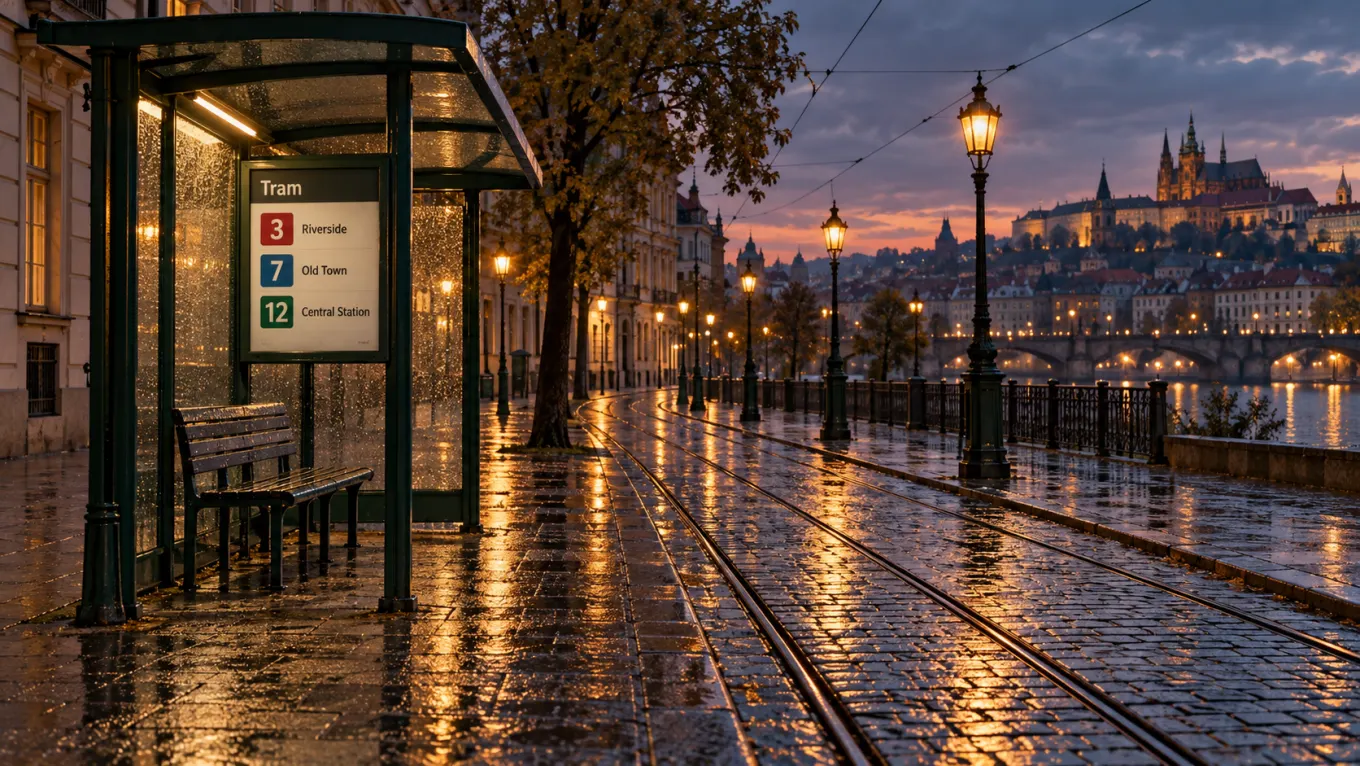
Grok Imagine handles the camera language a director would use: a slow push-in, an orbit around a subject, a crane up to reveal a skyline. Name the move, the lens feel, and the light, and the model keeps the subject steady while the frame travels. Clips run 6, 10, or 15 seconds on Ricebowl, which is long enough for a move to land instead of cutting off halfway.
Feature 02
On the Artificial Analysis image-to-video arena, Grok Imagine 1.5 scores an Elo of 1099, ranked eighth and ahead of Veo 3.1 (1081) and every Kling 3.0 variant. The jump from 1.0 is real: the original model scores 1072 on the same board. xAI prices 1.5 at $0.08 per second on its API, and on Ricebowl a 6-second clip starts at 30 credits. The honest caveat: the leaders on that board are MiniMax H3, Gemini Omni Flash, and Seedance 2.0, and for pure text prompts xAI itself notes that 1.5 generates an image first and then animates it.

Feature 03
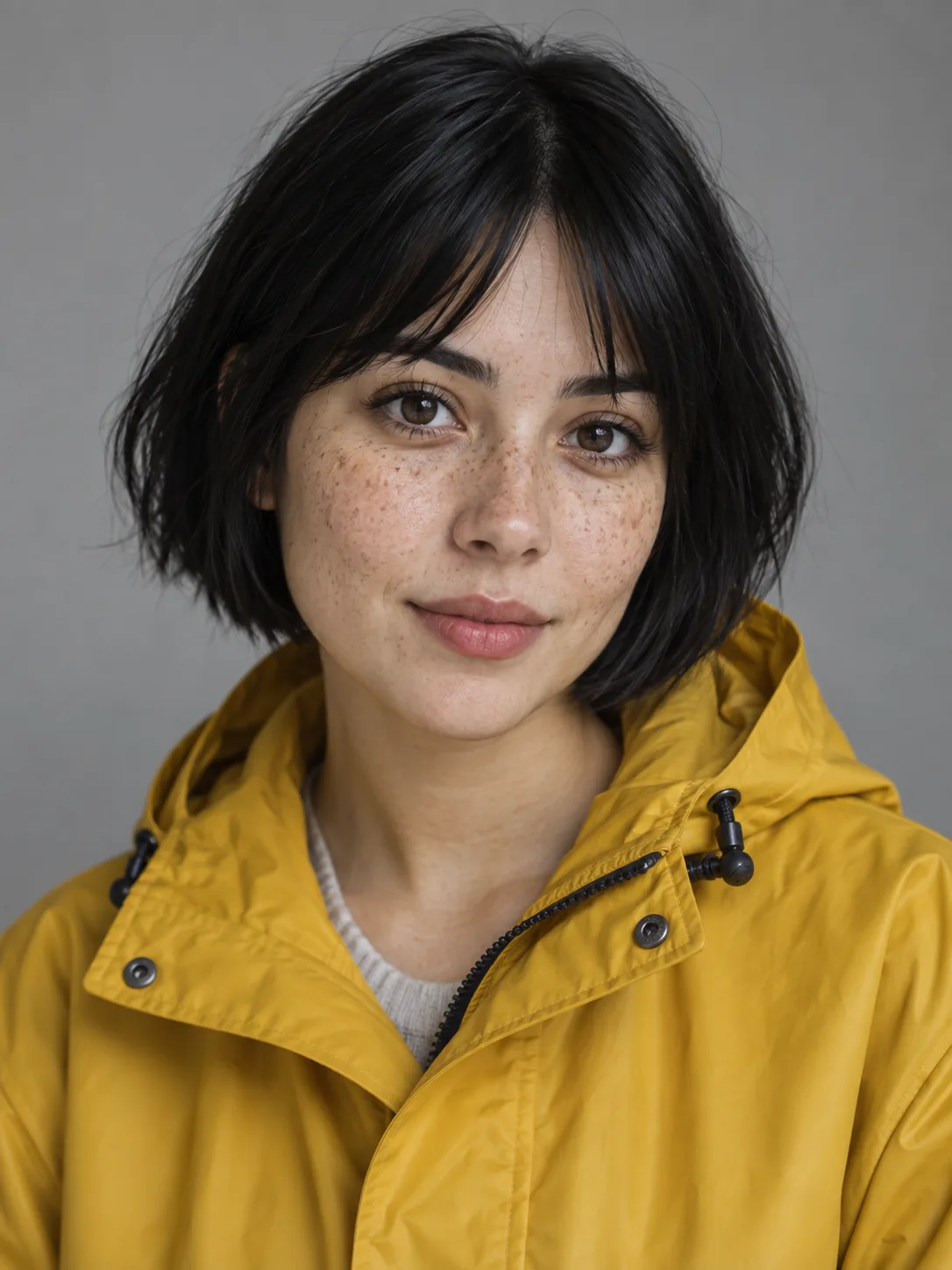
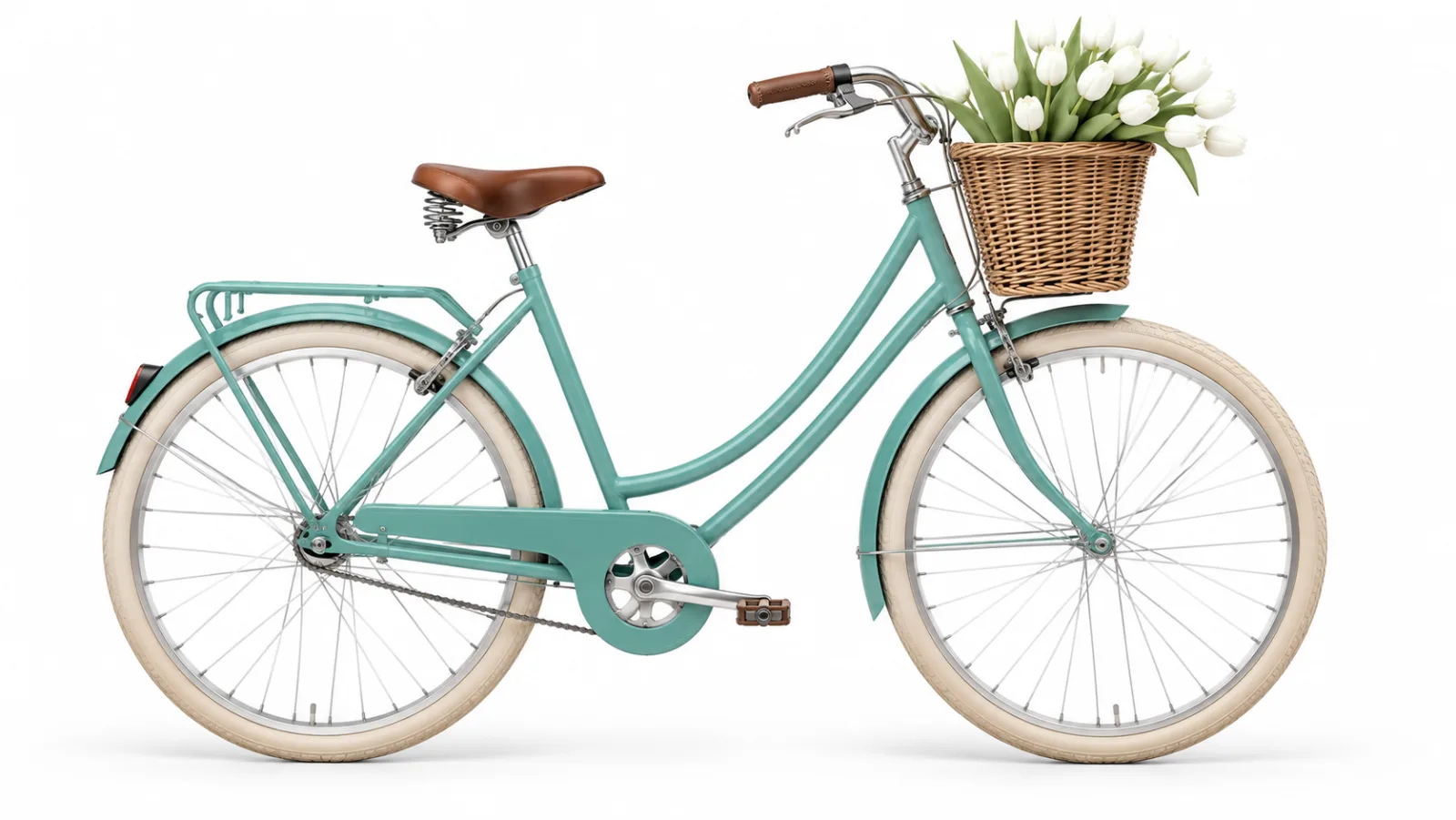
Start from a sentence and Grok Imagine builds the whole scene, or start from a photo and it animates exactly what is in the frame. For more control, add reference images: xAI's reference mode pulls specific people, products, clothing, or objects into the shot without freezing the first frame. On Ricebowl you can attach up to 7 references at 480p or 720p; at 1080p the generator sends one image, because xAI caps reference-to-video at 720p.
Feature 04
xAI's API can edit an existing video with a prompt: change the weather, swap an outfit, or turn live action into animation while the rest of the clip stays put. That edit mode works on clips up to 8.7 seconds and outputs at most 720p. The Ricebowl generator does not take a video upload for Grok Imagine yet, so the fast route here is to keep the same source image and regenerate it with a new style line, such as 'claymation', 'neon noir', or 'watercolor', and compare the takes side by side.

Feature 05
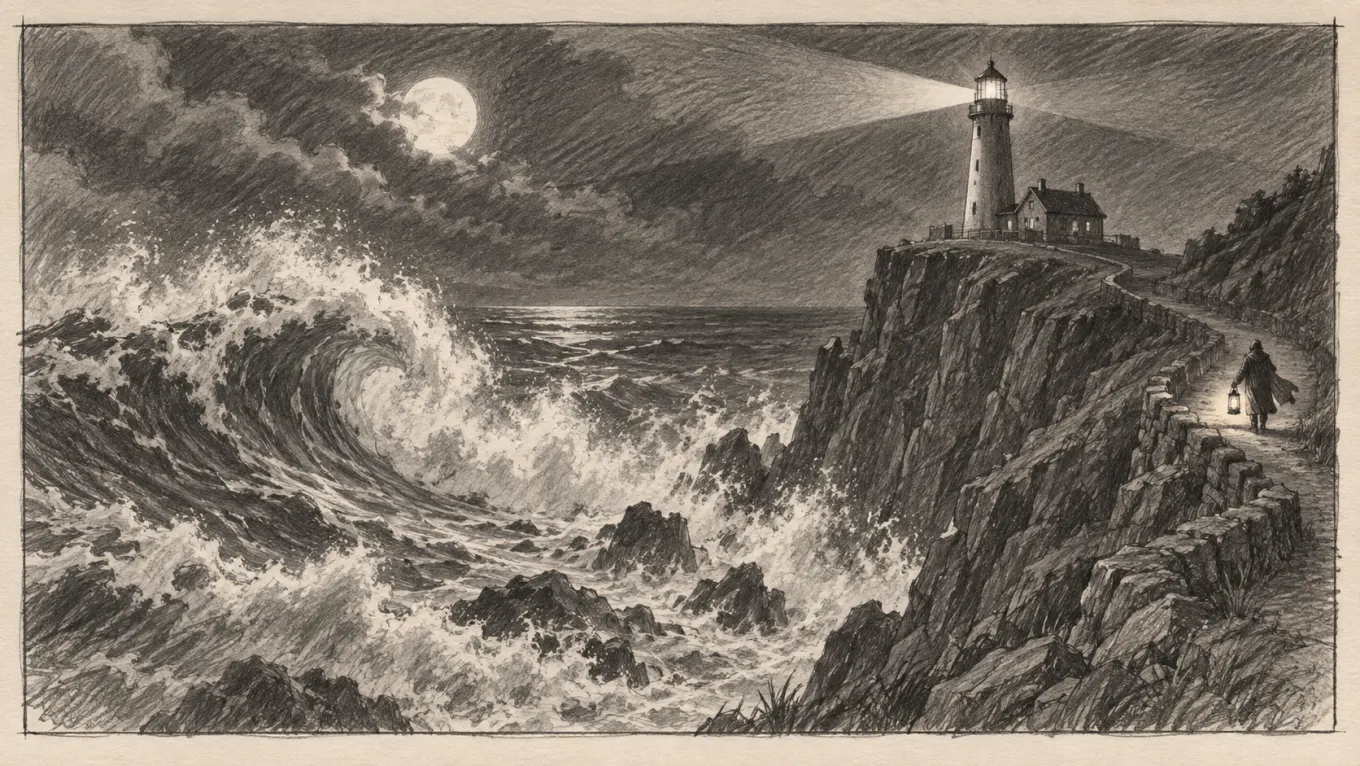
Sketch-to-video works today: upload a storyboard frame or a pencil drawing as the image, describe the action, and Grok Imagine turns the drawing into a finished-looking shot. Cloning a performance from your own video is a different job, and it is not what this model does on Ricebowl. For that, switch the picker to Kling Motion Control 3.0, which copies the movement from a reference video onto your character.
PROMPT EXAMPLES
Prompt
Animate the reference interior as a property tour. Smooth gimbal walk from the entrance into the living area, warm late-afternoon light through tall windows, a slight pan to reveal the kitchen island, 16:9, 10 seconds.
Reference

Result

Prompt
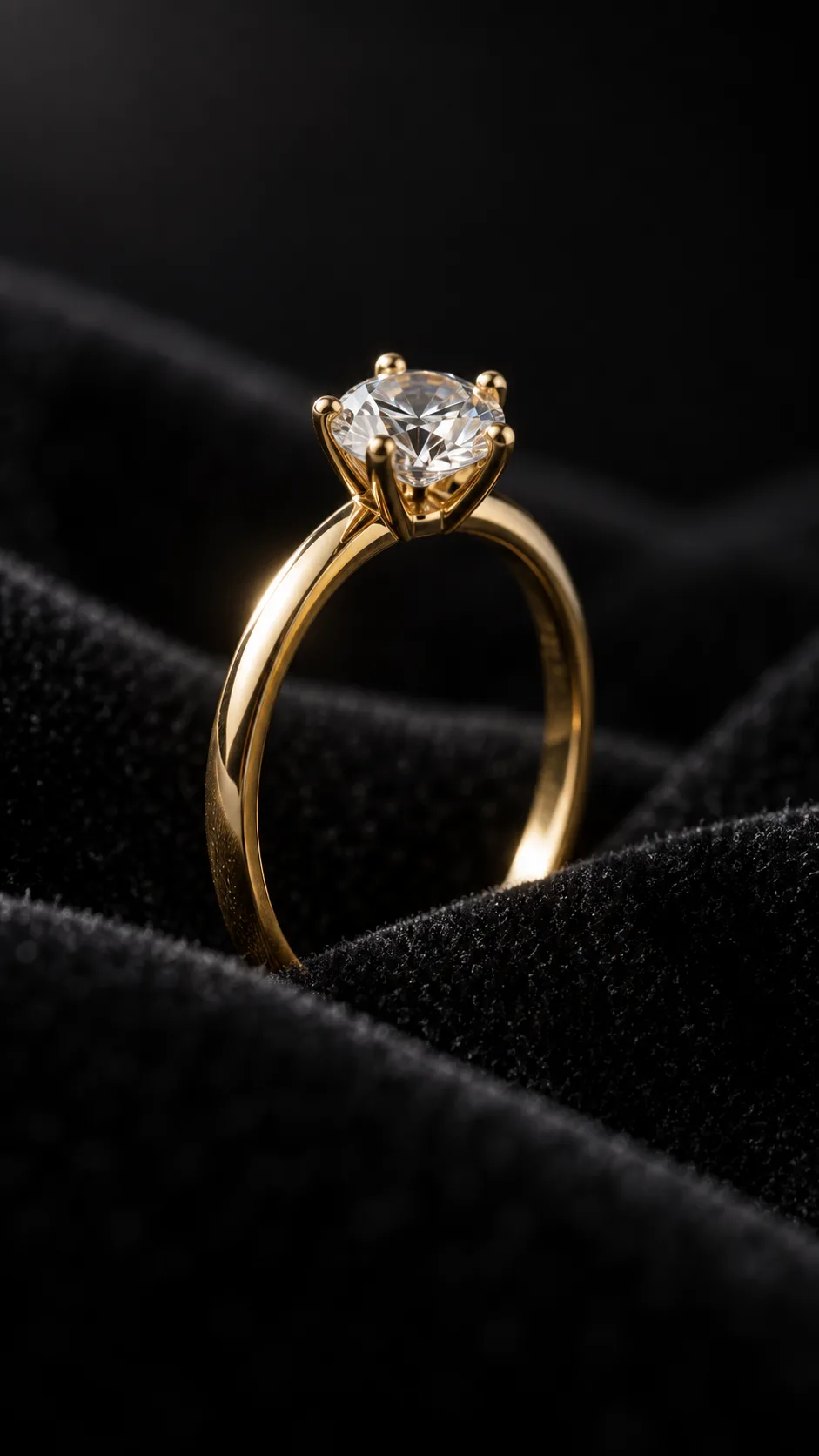
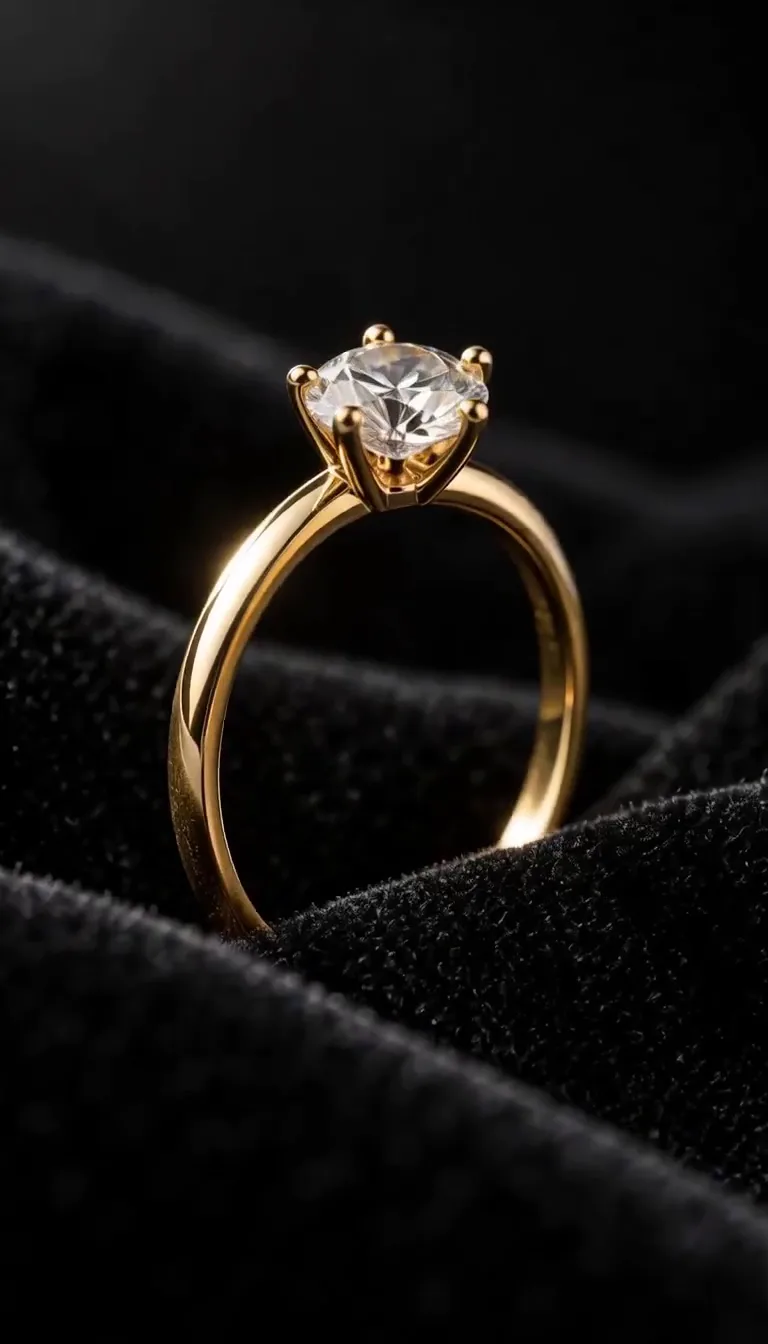
The gold ring in the reference image rotates slowly on black velvet. Macro lens, a single soft key light sweeping across the band, sparkle on the stone as it turns toward camera, shallow depth of field, 9:16, 6 seconds.
Reference
Result
USE CASES
Lock your cast with reference images, then render each beat as its own 10 or 15 second shot. At 30 to 70 credits per 720p shot, you can storyboard a whole episode before you spend on premium renders.
Drop in a still, write one line of action, and post the result. Grok Imagine is quick at 480p, which is all a meme needs, and portrait output fits every feed.
Animate a packshot into a slow turn or a lifestyle scene. Use 1080p image-to-video for the final ad and 480p for testing hooks.
Try this use case →Turn sketches into moving frames so a client or producer sees the pacing, not just the panels.
Walk a listing photo through a gimbal-style tour with natural light. One still becomes a 10-second clip for Reels or a listing page.
WHAT USERS SAY
01
Grok Imagine does its best work when it has a good image to animate. Creators who start from a clean photo or a generated keyframe get steadier results than those who start from text alone.
02
A 6-second 480p or 720p draft is 30 credits here, so people run several takes of the same idea and keep the best one instead of polishing one prompt for an hour.
03
On text-to-video, the original Grok Imagine sits at 1065 Elo, well behind MiniMax H3 and Seedance 2.0. Creators who need text-only realism pick those; Grok users value speed and image-to-video.
04
Many people search for a way to use Grok Imagine outside the X and Grok apps. A pay-per-clip workspace with no social account is the answer they keep looking for.
VERSION CHECK
What the upgrade actually changed, and why Ricebowl only runs 1.5.
Image-to-video Elo rose from 1072 for 1.0 to 1099 for 1.5 on the Artificial Analysis arena.
xAI added 1080p output for text-to-video and image-to-video on 1.5.
1.5 can pin an exact first or last frame and up to 4 keyframes at set timestamps.
1.5 can give a character one of xAI's preset voices, up to 3 per clip.
xAI's docs say 1.5 renders an image first and then animates it, so detailed first-frame wording matters.
Reference-to-video is capped at 720p, which is why Ricebowl sends only one image at 1080p.
The Artificial Analysis arena lists 1.5 at $8.40 per minute of video against $4.20 for 1.0. On Ricebowl only 1.5 is offered, and a 6-second clip is still 30 credits, so there is no reason to look for 1.0.
WHAT SETS IT APART
01
Seven references put Grok Imagine in the top group of this workspace, behind only the Seedance family, MiniMax H3, and HappyHorse. Seven is enough for a cast of characters plus a location and a prop.
02
Grok Imagine 1.5 ranks eighth on the image-to-video arena and starts at 30 credits here, well below Kling 3 Omni at 90.
03
Your clips are not tied to a social profile. You generate, download, and publish wherever you want.
OUR TAKE
Yes. xAI offers the model as an API, and Ricebowl runs it over API access instead of the X or Grok apps, so you need neither an X account nor any X or Grok plan. You pay only for the clips you render, from 30 credits each.
Grok Imagine 1.5 for most shots. It scores higher on image-to-video (1099 against 1081 for Veo 3.1), runs up to 15 seconds where Veo 3.1 on Ricebowl is fixed at 6 or 10, and costs less per draft. Switch to Veo 3.1 only for the shots where a character has to speak on camera, because the Ricebowl Grok generator does not expose voice presets yet.
Yes, as long as you stay at 720p or 480p. That is the range where reference mode runs and all 7 images are sent. At 1080p the generator uses one image, so render your cast shots at 720p, then pick the best frame and animate it at 1080p with image-to-video.
COMPARISON
| Feature | Grok Imagine 1.5 | Veo 3.1 | Kling 3 Omni | Seedance 2.0 | MiniMax H3 |
|---|---|---|---|---|---|
| Clip length on Ricebowl | 6, 10, or 15 s | 6 or 10 s | 5 or 10 s | 5, 10, or 15 s | 6, 10, or 15 s |
| Max resolution | 1080p | 4K | 4K | 1080p | 2K |
| Reference images | 7 (1 at 1080p) | 3 | 2 | 9 | 9 |
| Image-to-video arena Elo | 1099 | 1081 | 1045 (Omni 1080p) | 1175 (720p) | 1181 |
| Cheapest clip | 30 credits | 45 credits | 90 credits | 95 credits | 20 credits |
| Best for | Fast, cheap image-to-video and memes | Spoken dialogue and 4K | 4K product shots | Multi-reference realism | Top quality at the lowest price |
Arena scores are from the Artificial Analysis image-to-video leaderboard, September 2026. Credit prices are Ricebowl's current rates. Every model here runs in the picker above.
Try Grok Imagine Now01
The generator at the top of this page already has Grok Imagine 1.5 selected. Sign up with email or Google; no X login is involved.
02
Describe the subject, the action, the camera move, and the light. Add one photo to animate it, or up to 7 reference images to pull specific people and objects into the scene.
03
Choose 6, 10, or 15 seconds, 480p to 1080p, and landscape or portrait. Press generate and download the MP4 from your feed when it finishes.
REVIEWS
Feedback from people who use Grok Imagine on Ricebowl for real work.
 Marcus L.
I storyboard whole episodes at 720p with the cast as references, then only re-render the shots that make the cut.
Short-drama producer
 Priya N.
Still in, one line of action, done. It is fast enough that I can react to a trend the same hour.
Meme page admin
 Tom B.
Our clients do not want their assets on anyone's social account. Running Grok Imagine here keeps it clean.
Agency art director
 Sofia R.
One listing photo, a slow walk-through, 10 seconds. It is now the default clip on every property we post.
Real estate marketer
 Kenji H.
My pencil frames come back moving. Directors understand the pacing in one viewing.
Storyboard artist
One balance, every model. Credits work across all 20 video models — no watermark, no tier-locked models, commercial use on every paid plan.
Save 30% billed annually
Flexible monthly subscription.
The lowest price to get started. Every model, a monthly budget to try things out.
$7.99/mo
Renews monthly, cancel anytime.
200 credits
≈ 0–10 videos, depending on the model
≈ 14–66 images, depending on the model
4.00¢ / credit
The cheapest way to start. Every model, a small monthly budget.
$12.99/mo
Renews monthly, cancel anytime.
400 credits
≈ 1–20 videos, depending on the model
≈ 28–133 images, depending on the model
3.25¢ / credit
Enough credits to try every model and finish a few clips each month.
$29.9/mo
Renews monthly, cancel anytime.
1,000 credits
≈ 3–50 videos, depending on the model
≈ 71–333 images, depending on the model
2.99¢ / credit
2 parallel tasks
Steady output for solo creators going pro — every model, a comfortable budget.
$49.9/mo
Renews monthly, cancel anytime.
2,000 credits
≈ 6–100 videos, depending on the model
≈ 142–666 images, depending on the model
2.50¢ / credit
3 parallel tasks
High-volume production for prolific creators and small teams.
$89.9/mo
Renews monthly, cancel anytime.
5,000 credits
≈ 15–250 videos, depending on the model
≈ 357–1666 images, depending on the model
1.80¢ / credit
5 parallel tasks
Pay yearly and save more.
Enough credits to try every model and finish a few clips each month.
$19.9/mo$29.9
Billed yearly at $238.8. Renews yearly, cancel anytime.
Save $120/yr vs monthly
12,000 credits
≈ 38–600 videos, depending on the model
≈ 857–4000 images, depending on the model
1.99¢ / credit
2 parallel tasks
Steady output for solo creators going pro — every model, a comfortable budget.
$34.9/mo$49.9
Billed yearly at $418.8. Renews yearly, cancel anytime.
Save $180/yr vs monthly
24,000 credits
≈ 76–1200 videos, depending on the model
≈ 1714–8000 images, depending on the model
1.75¢ / credit
3 parallel tasks
High-volume production for prolific creators and small teams.
$62.9/mo$89.9
Billed yearly at $754.8. Renews yearly, cancel anytime.
Save $324/yr vs monthly
60,000 credits
≈ 190–3000 videos, depending on the model
≈ 4285–20000 images, depending on the model
1.26¢ / credit
5 parallel tasks
Top up credits valid for 12 months.
One-time top-up — perfect for occasional needs.
$49.9
One-time purchase, valid 12 months.
1,000 credits
≈ 3–50 videos, depending on the model
≈ 71–333 images, depending on the model
4.99¢ / credit
Larger top-up with 20% bonus — best per-credit value for one-time buyers.
$198
One-time purchase, valid 12 months.
4,800 credits
≈ 15–240 videos, depending on the model
≈ 342–1600 images, depending on the model
4.13¢ / credit
5 parallel tasks
Try it in
Turn your photo into the viral lean, swing and low bounce, friend watching.
Browse all
Black liquid rebuilds your car from its badge
Put your photo on the red stage doing the 2008 electro arm dance.
Sweep the 2 and 4 cards, reveal a car
Chandelier party video from your selfie photos
Deadpan sway clip from one photo
Costume walk clip from one photo.
Create scream-and-swap pet dance clips
Make your pet or baby scold the camera
Make viral sneaky tiptoe videos from photos
Walk out with two officers
Two photos turned into a drill rap video clip.
Turn your pet into a tiny knight in a storm
Turn photos into the hop and knock dance
Switch wardrobe under spinning fan blades
One or two photos into the golden-hour pier music video
Make the viral video from two photos
Turn any photo into the tiptoe trend
Turn one pet photo into the stage meme
Dusk road-trip clip from your photos
You and a friend trading bars on one mic
Turn their photo into a funny birthday prank video
One photo zooms out to Earth, Moon or galaxy
Turn one photo into a video with copies of you
Hug the kid you were in a short video
Turn family photos into a short video clip.
Turn your photo into a cinematic video with effects
Share an imagined hug with someone who passed away
Turn one or two photos into a dance video
Two solo photos, one orange booth, one mic
Sit still while a car flies over you
Turn two photos into a hug video
Turn one or two photos into a gentle memorial clip
Make people in old photos smile, wave or hug
One or two photos into the zombie love story video
Two photos into the viral Hotel Lobby video
Signing up on Ricebowl is free and gives you 8 credits with no card. A Grok Imagine clip starts at 30 credits (6 seconds at 480p or 720p), so the free credits alone do not cover one. They do not cover any other video here either: the cheapest clip in the generator, a 6-second MiniMax H3 render, costs 20 credits. Pick a credit pack or plan when you are ready to render Grok Imagine clips.
Grok Imagine is xAI's image and video generation model family. The video model turns text or images into short clips with sound. Version 1.5, released in May 2026, is the current one and the one Ricebowl runs, next to Veo 3.1, Kling 3, Seedance, and MiniMax H3.
Because it is one of the best-value image-to-video models available. It ranks eighth on the Artificial Analysis image-to-video arena, ahead of Veo 3.1 and Kling 3.0, and a clip starts at 30 credits on Ricebowl. Use it when you have a strong still and want it moving quickly and cheaply.
The model can. xAI's API adds an audio track by default, and in reference mode Grok Imagine 1.5 can voice characters with up to 3 of xAI's preset voices. The Ricebowl generator does not expose voice selection for Grok Imagine yet, so for a scene where a character must deliver a specific line, use Veo 3.1 or MiniMax H3 from the same picker.
xAI's API allows 1 to 15 seconds per clip. On Ricebowl you choose 6, 10, or 15 seconds. A 15-second clip costs 40 credits at 480p, 70 at 720p, and 120 at 1080p. For longer stories, render several shots and join them.
1080p for text-to-video and image-to-video on Grok Imagine 1.5. Reference-to-video, where you add several images, is capped at 720p by xAI. On Ricebowl you can pick 480p, 720p, or 1080p.
Not on Ricebowl. You sign up with email or Google, and your clips stay in your Ricebowl feed, not on a social profile. The model runs over API access, not the X or Grok apps, so no X or Grok subscription is involved.
Yes. Upload one photo and describe what should happen, and Grok Imagine animates exactly what is in the frame. That is the mode it scores best in, so a clean, well-lit photo is the fastest route to a good clip.
Ricebowl is free to join, but no Grok Imagine clip here is free: the cheapest costs 30 credits and the sign-up gift is 8. The free credits do not cover any video model here; the cheapest clip is a 6-second MiniMax H3 render at 20 credits, and it ranks above Grok Imagine on both arena boards.
Ricebowl, because it puts the alternatives next to Grok Imagine in one generator. MiniMax H3 ranks higher on both text-to-video and image-to-video and starts at 20 credits, the lowest price in the generator (the 8 free sign-up credits do not cover it). Seedance 2.0 takes 9 references, Veo 3.1 handles spoken dialogue, and Grok Imagine stays one click away when you want it.
RELATED
MORE MODELS
Sign-up is free and adds 8 credits; a Grok Imagine 1.5 clip starts at 30 credits. Up to 7 references, 6 to 15 second clips up to 1080p, and no X account needed, next to every other top video model.
Try Grok Imagine NowFREE SIGN-UP · NO X ACCOUNT · UP TO 1080P · FROM 30 CREDITS
Try Using Grok Imagine for Free
Try Grok Imagine Now